Manual download guide
How to download with yt-dlp or ffmpeg
GrabnWatch creates a command for your video. Copy it, paste it into a terminal, and press Enter.
Before you start
- Install yt-dlp and ffmpeg before you start.
- A terminal is the app where you run text commands.
- GrabnWatch creates the command. You do not need to edit it.
Get the command from GrabnWatch
-
Select a video quality.
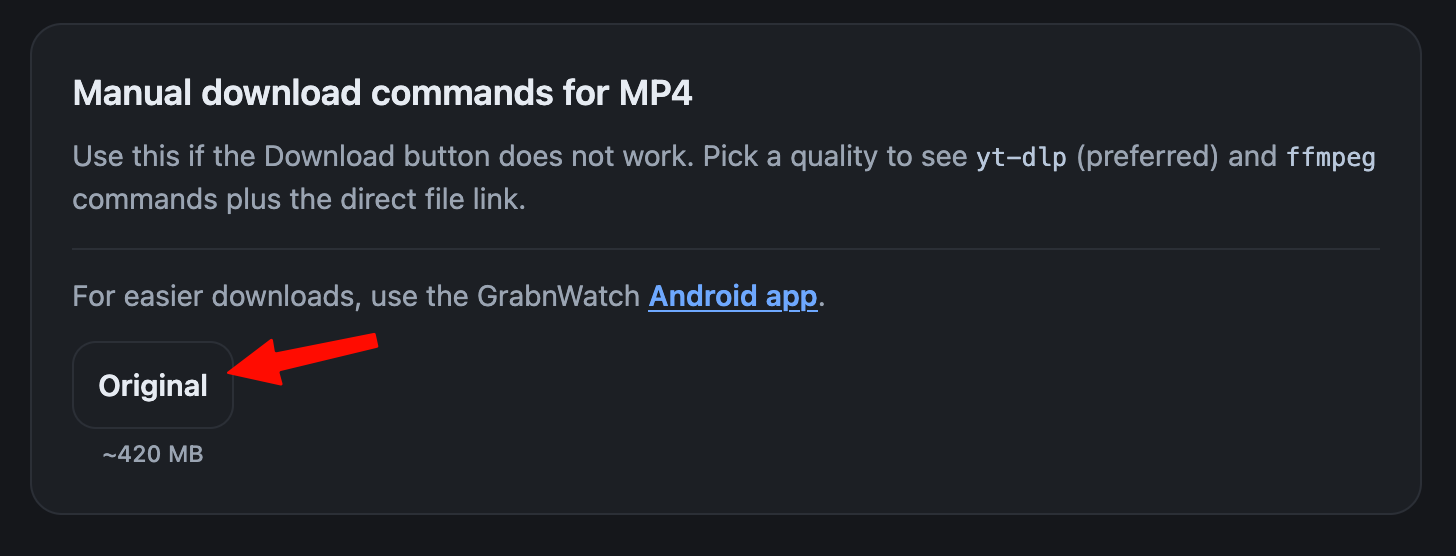
-
Copy yt-dlp first. If it does not work, copy ffmpeg. Use an alternative source last.
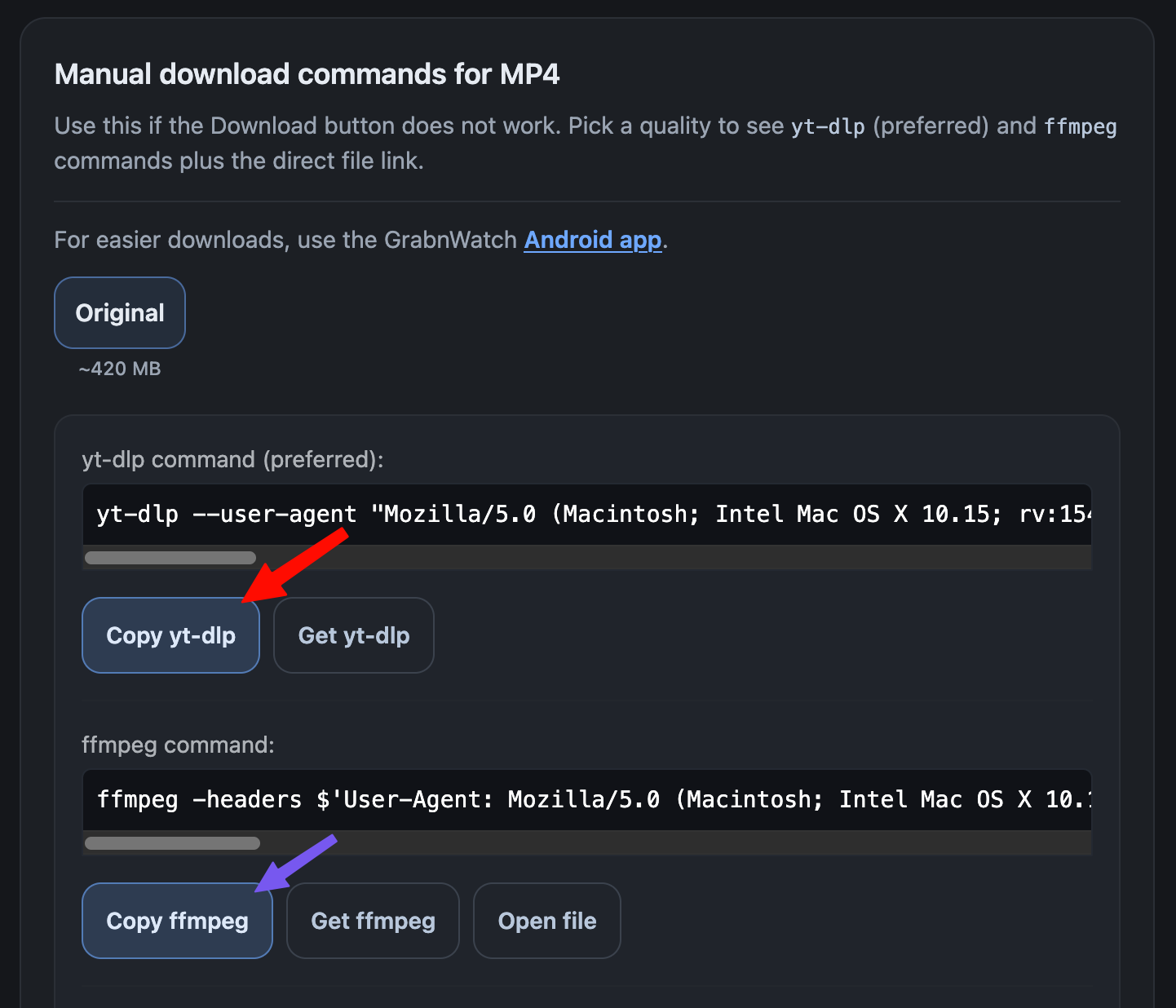
-
Select an HLS quality.
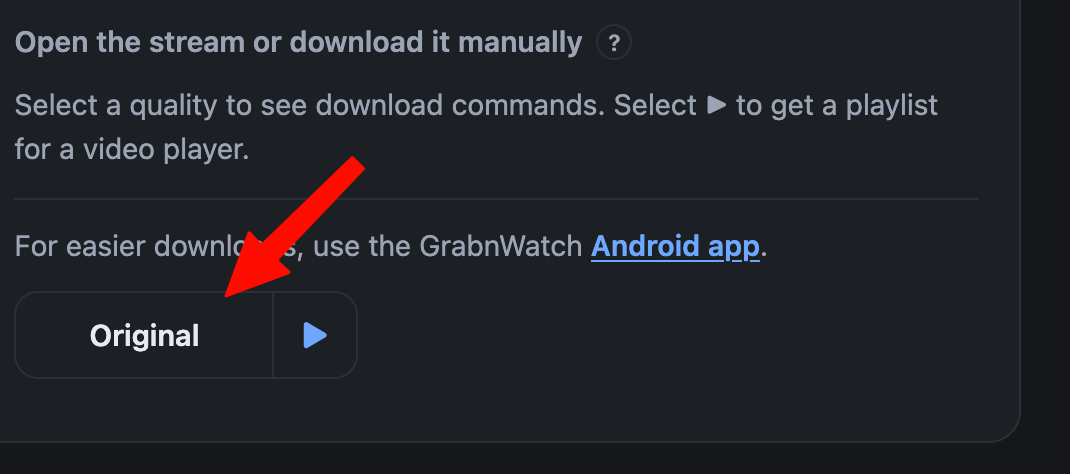
-
Copy yt-dlp first. If it does not work, copy ffmpeg.
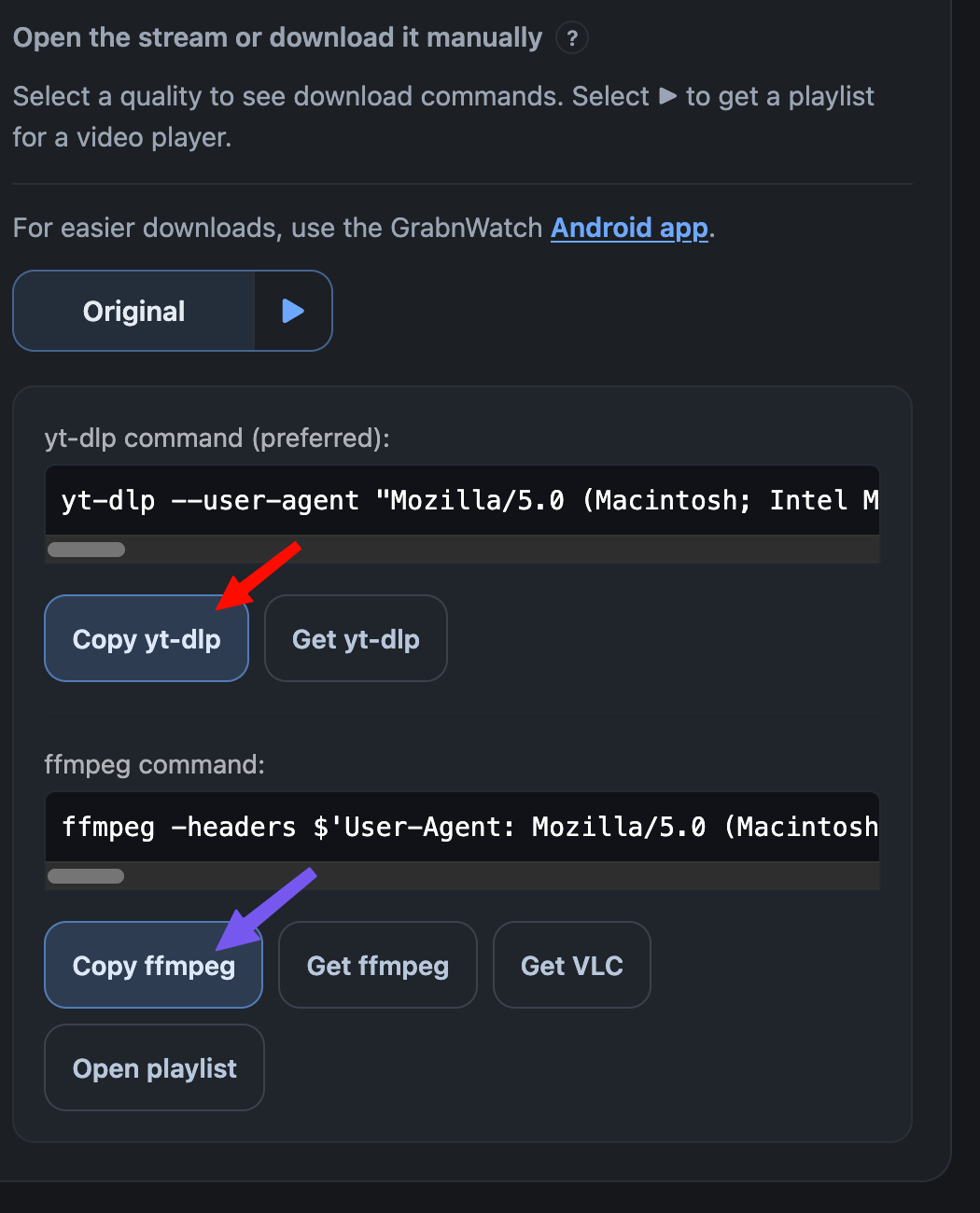
Run the command
-
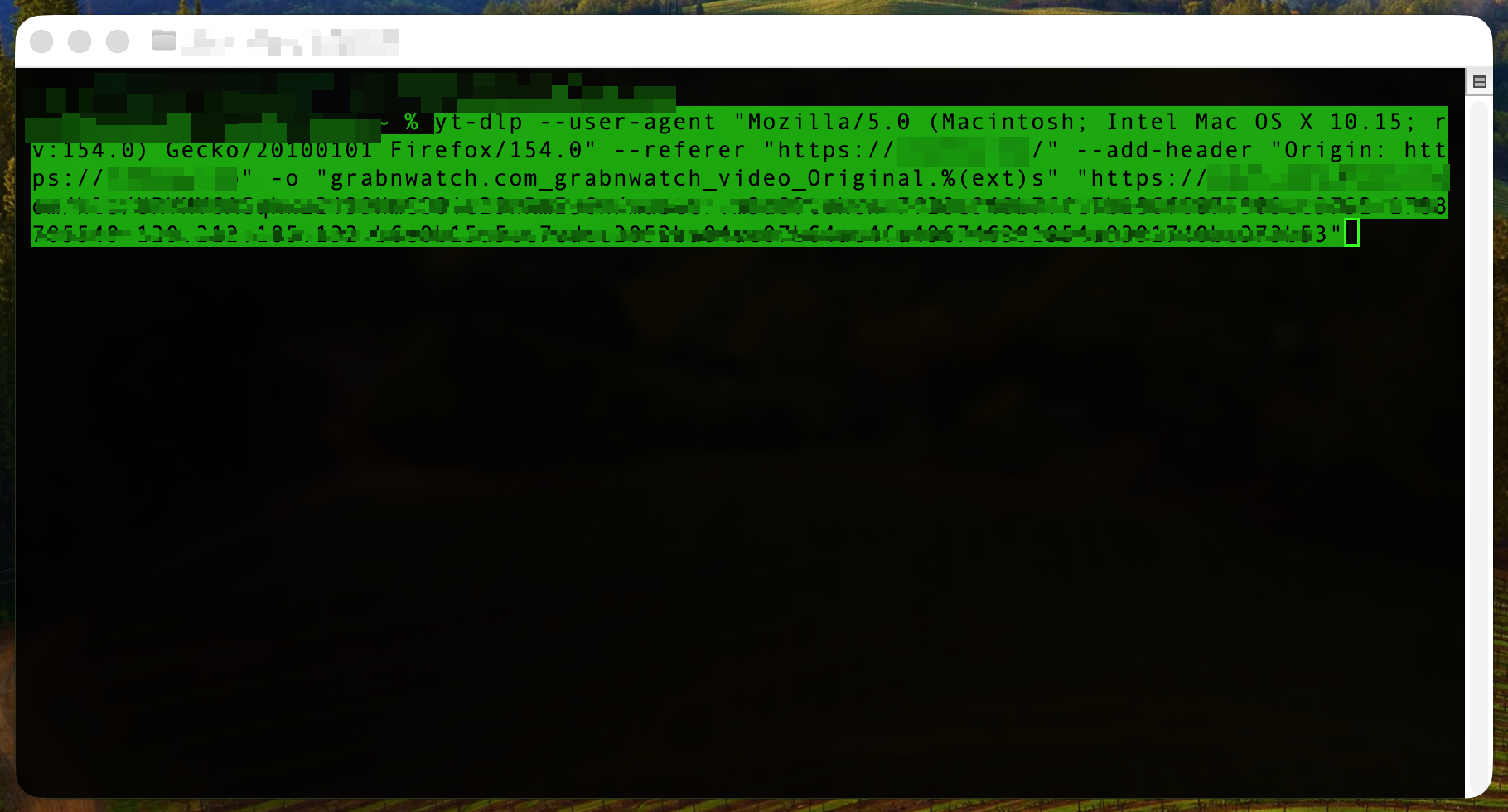
Paste the command into your terminal. Press Enter.
-
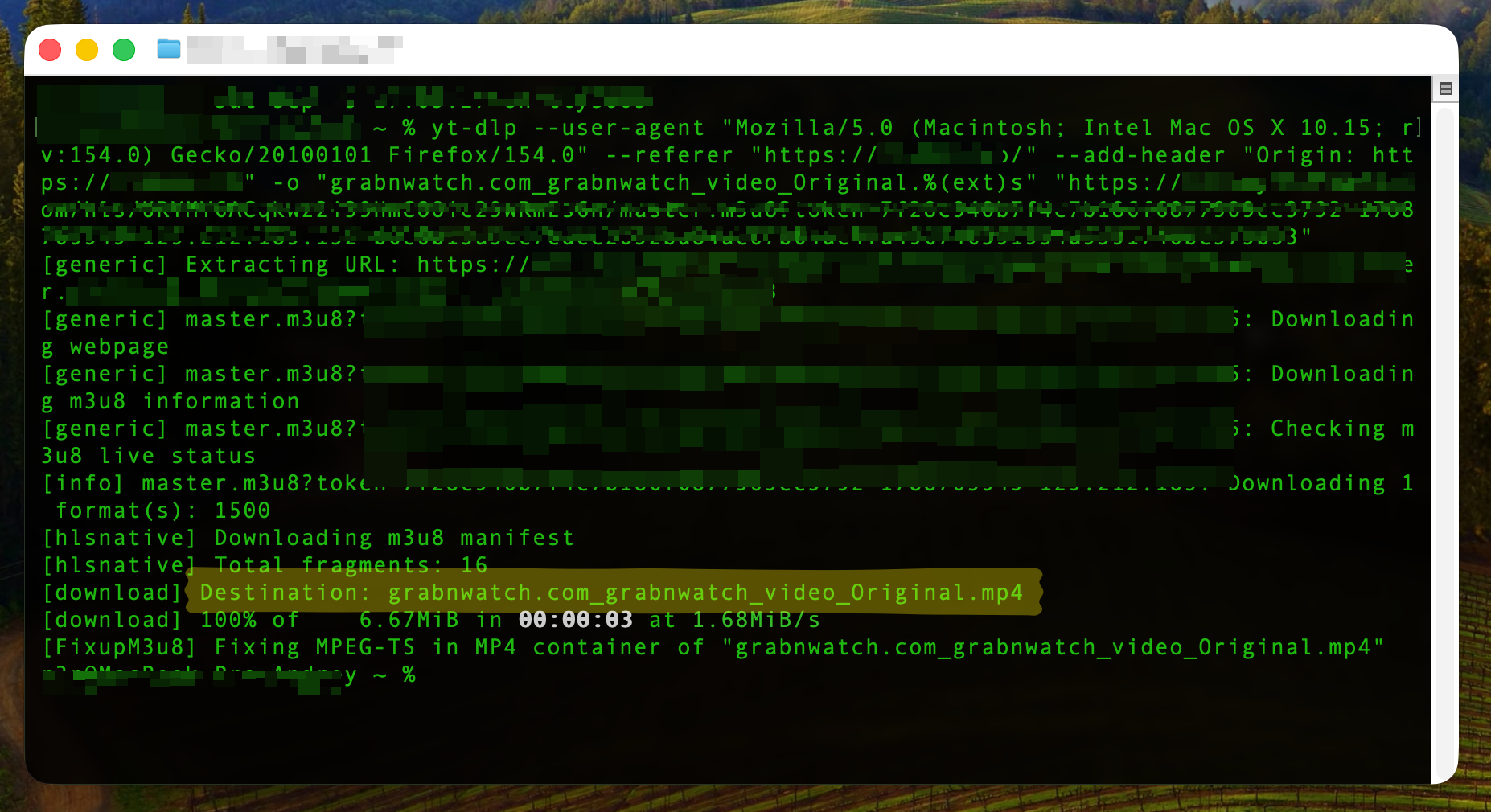
Wait until the download is complete.
Common problems
- “command not found”
- Install the tool, then reopen the terminal.
- 403 or expired link
- Return to GrabnWatch and create a new result.
- Where is the downloaded file?
- It is in the folder where the terminal was opened.
- yt-dlp failed
- Try ffmpeg or an alternative source when available.