Copy with Share, not your address bar
vidLyx may change your browser address to /convert after opening a video. That address does not identify your video.
-
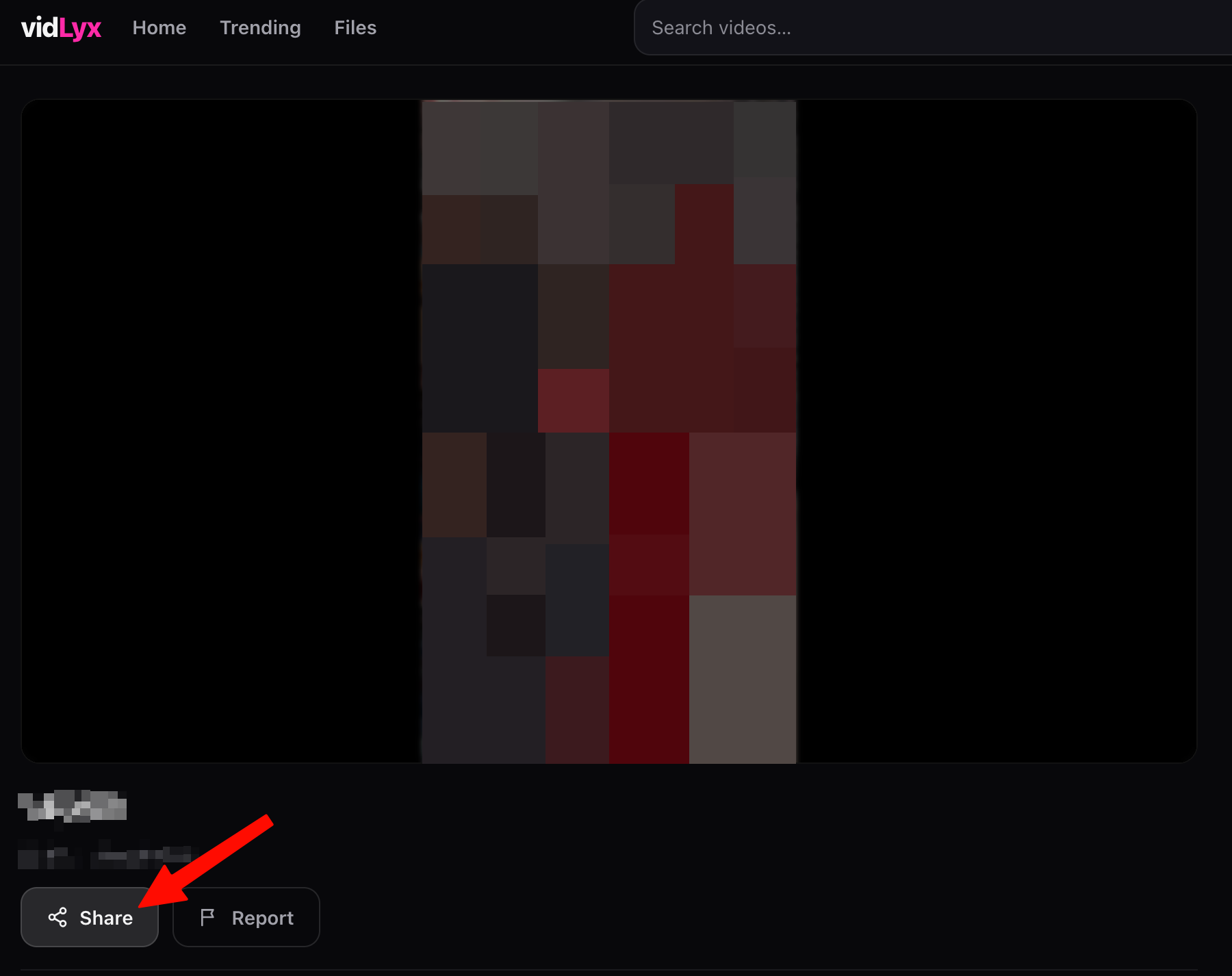
Tap Share below your video
On vidLyx, click or tap Share.
-
Wait for Link copied
Link copied means your video link is on your clipboard. Paste that link into GrabnWatch.
Example:
https://slicedrve.cc/d/abc123def45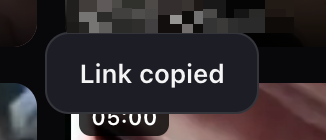
Tap Grab, then choose a download or playback link.
Prefer downloading with an app?
We recommend GrabnWatch app on Android. To use it, install GrabnWatch app, then:
- Open this page in your Android browser. Paste your copied vidLyx link and tap Grab.
- In your result, tap Open in App if shown. Only Android offers this button.
- Save your video from the app.