Use a public Twitch video link
Open a saved video on Twitch. Copy its full /videos/ address.
Example: https://www.twitch.tv/videos/12345678901
Video must be public. GrabnWatch cannot download a video available only to channel subscribers.
Download a Twitch video
-
Paste public video link
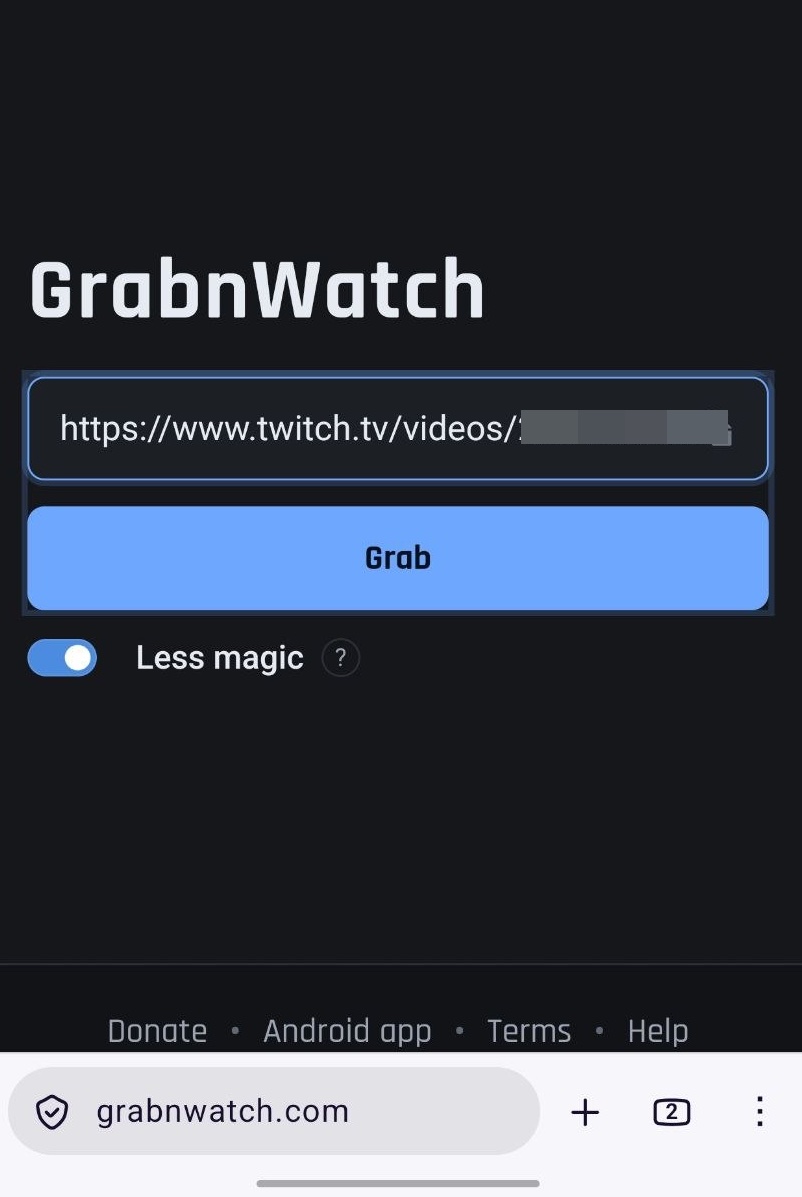
Open GrabnWatch.com. Paste Twitch link and tap Grab.
-
Choose how to save video
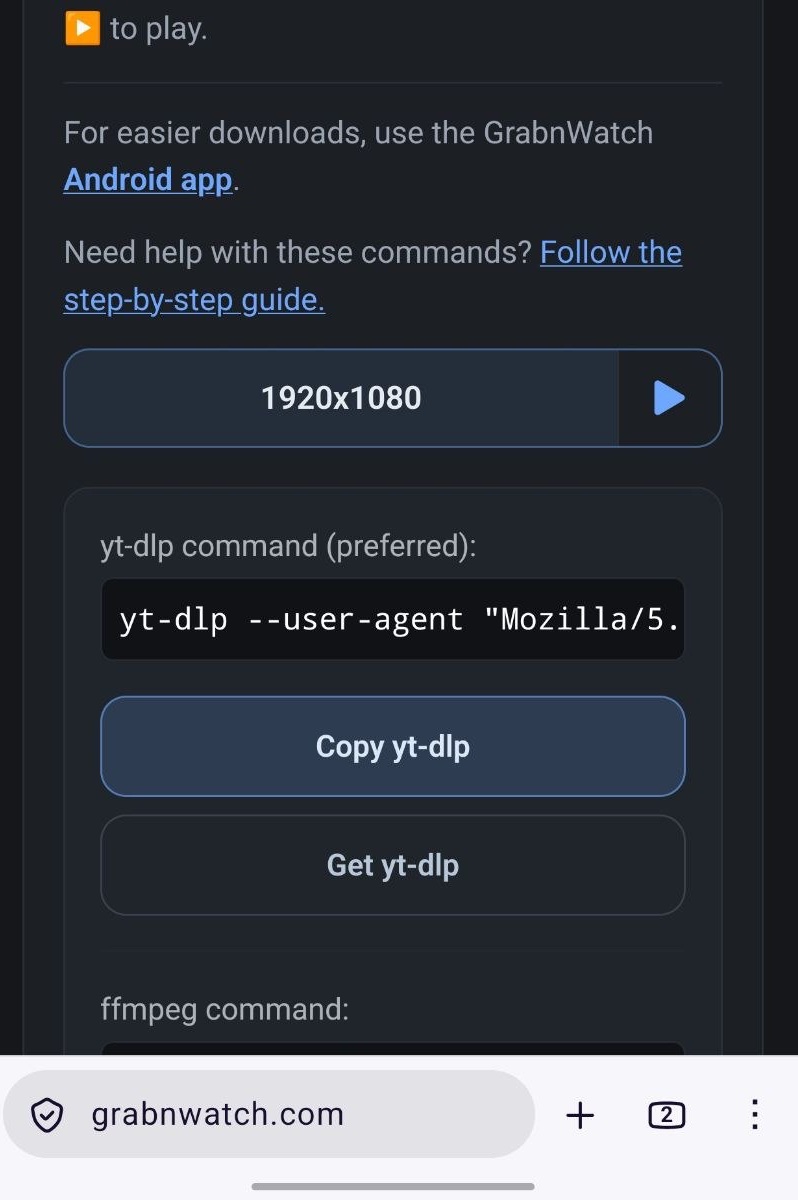
GrabnWatch shows available qualities. Prefer GrabnWatch app on Android.
If app download fails or Android is unavailable, copy yt-dlp command below a quality. Try ffmpeg if needed. See how to run an HLS download command.
-
Open result in GrabnWatch app
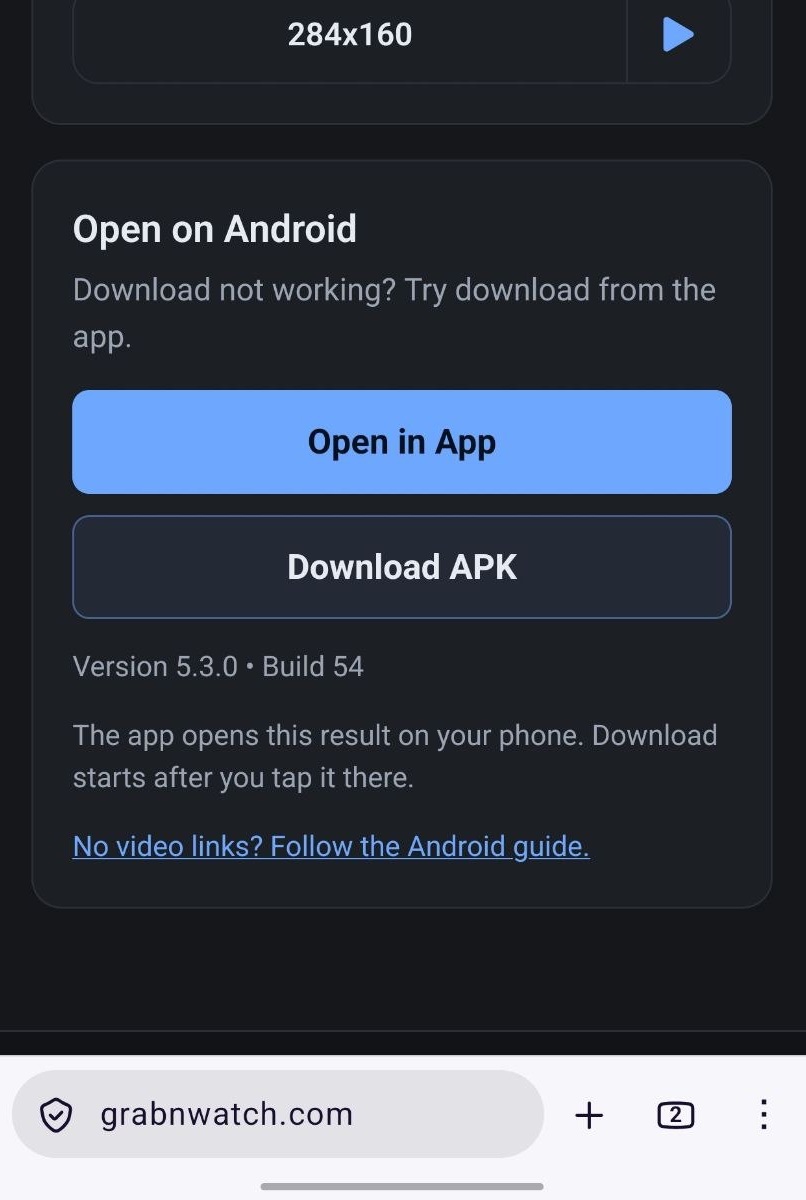
Only Android shows Open in App. Tap it to continue. Get GrabnWatch app first if needed.
-
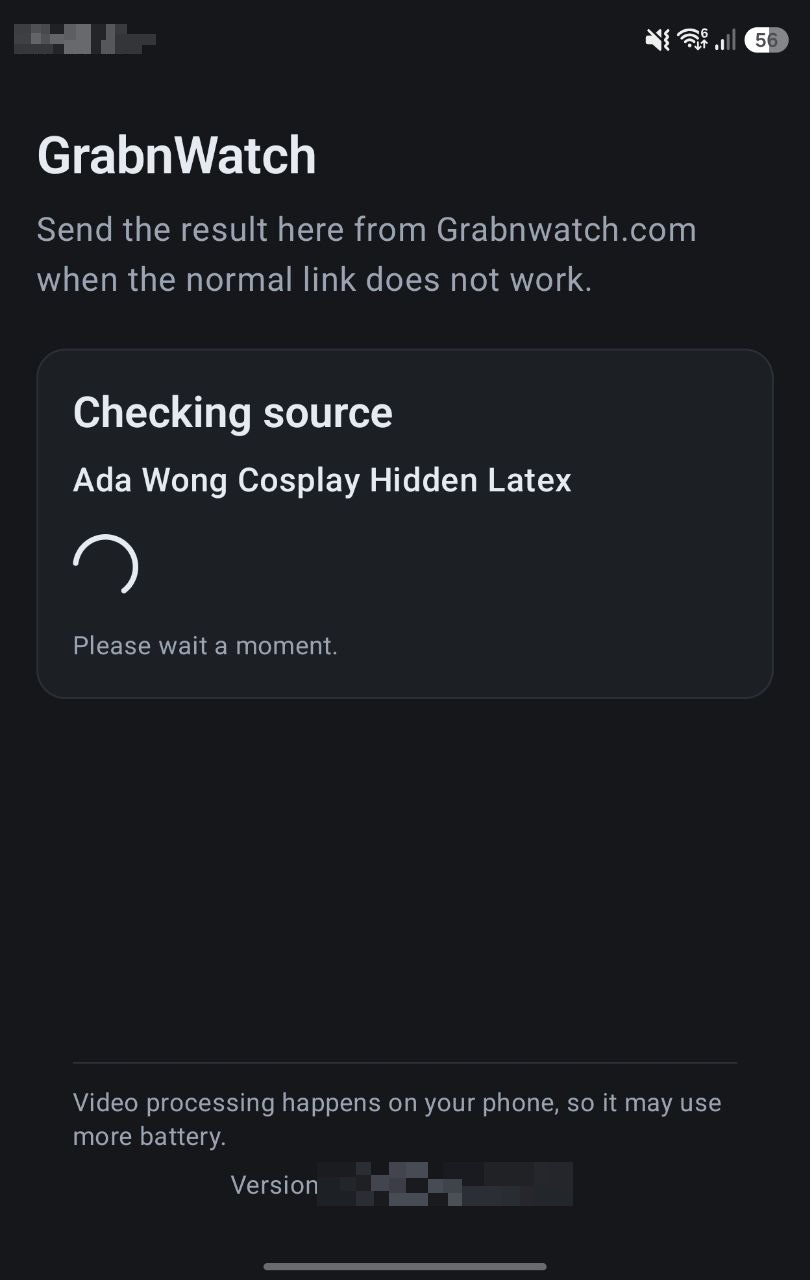
Wait while GrabnWatch checks source
GrabnWatch app opens this result and checks its Twitch playlist. Keep this screen open.
-
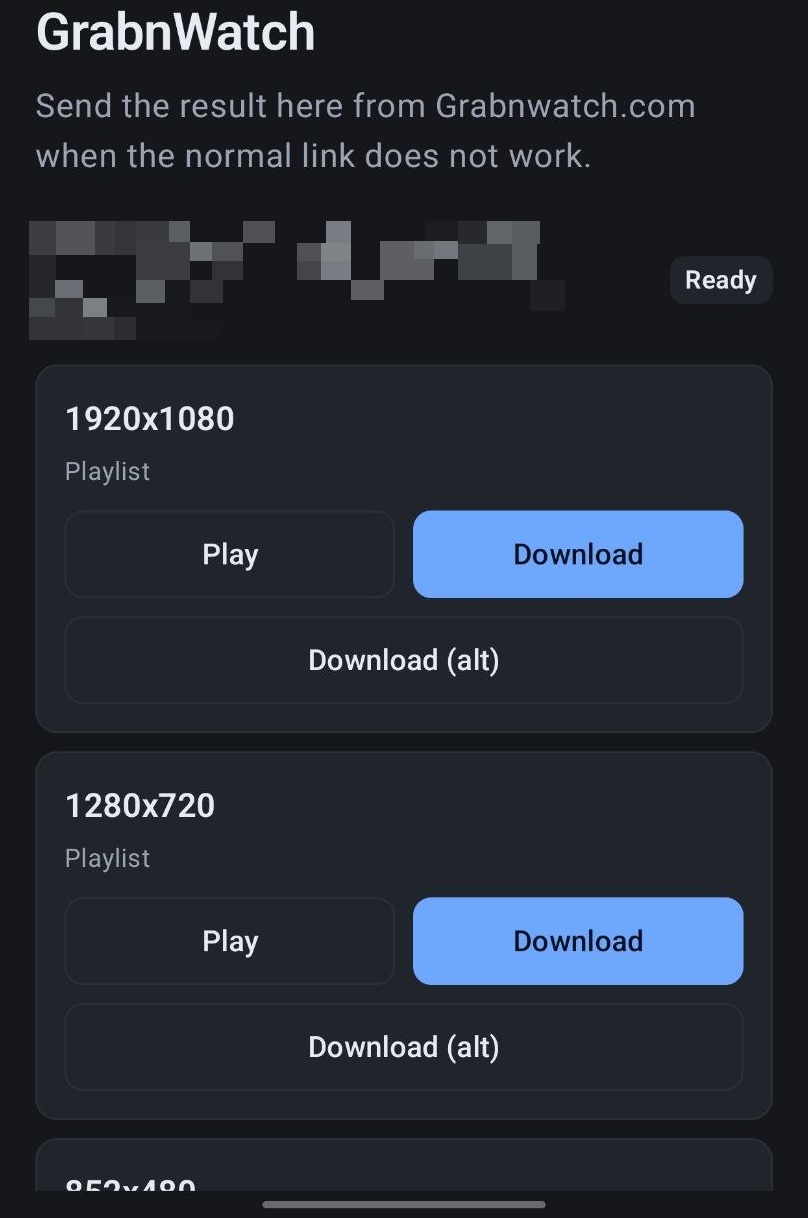
Choose quality
Choose a playlist quality and tap Download. Try Download (alt) if Download fails.
-
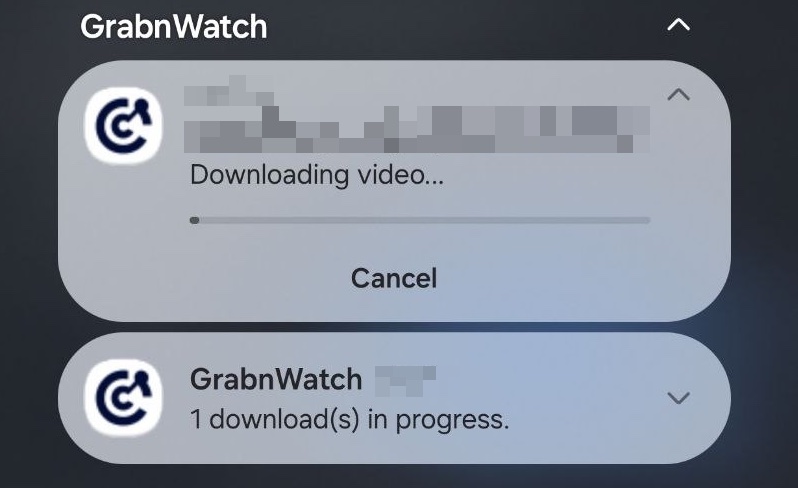
Keep download running
Android shows download progress. Wait until transfer finishes.
-
Find saved video
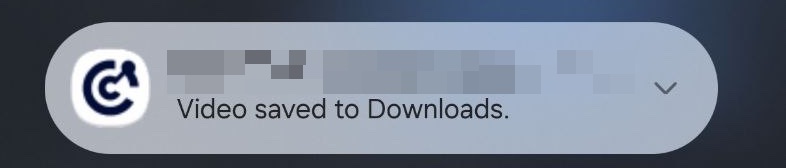
When Android says Video saved to Downloads, open Downloads.